Final touches before On-Prem setup.
Since we’ve got the domain set up on our account now, we can modify our admin account with proper information and email domain.
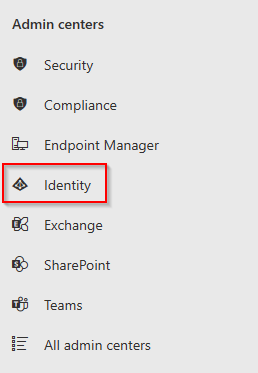
On the sidebar, navigate to the Admin centers section and select Identity.
This will take us to the Entra ID Dashboard
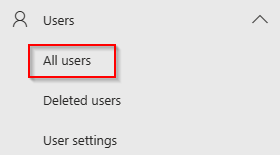
Click on the Users drop-down carrot to expand the options and select All users.
You’ll be brought to the Users Dashboard where we can see an overview of all users within the tenant. Let’s go ahead and select our admin account so we can enter some basic info and swap our domain. Click the FNU LNU hyperlink to get into the User properties screen. 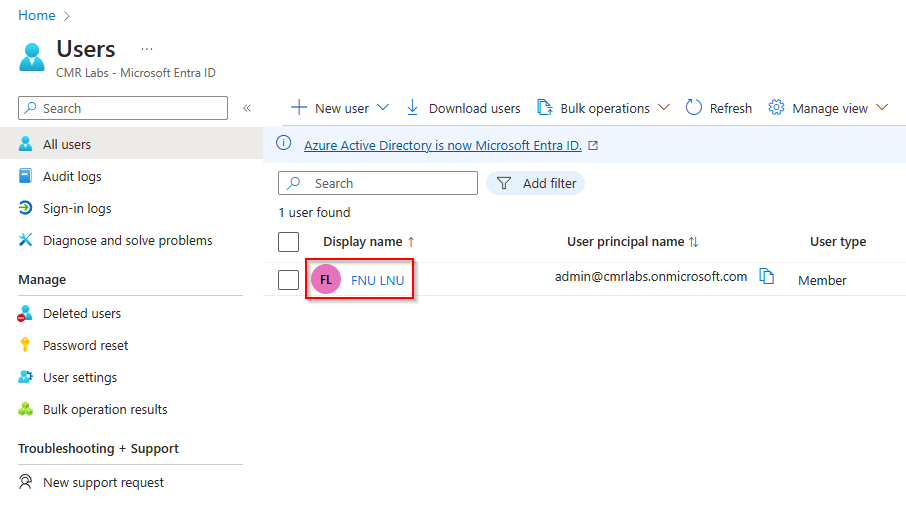
Once inside the User properties screen select the Edit properties button on the ribbon.

Inside the Edit properties pane, we can now modify the details of our account.
- Display Name
- First Name
- Last Name
- User principal name - domain
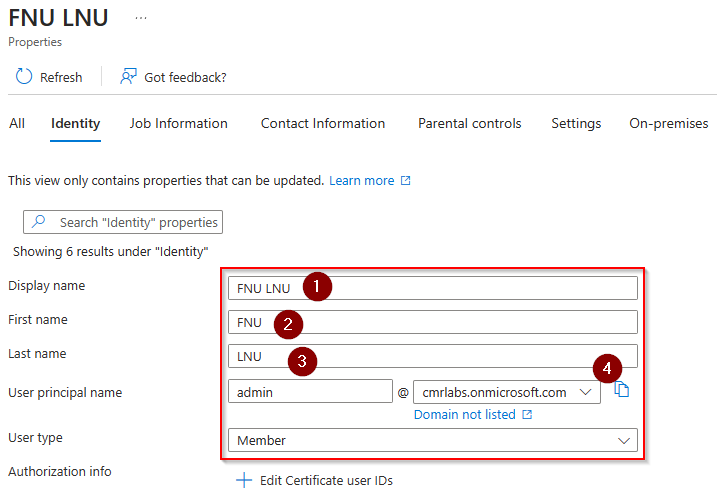
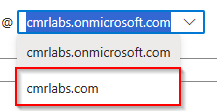
Enter the details you’d like to configure for fields 1-3, then click the drop-down menu for the domain

and select your newly added domain from the previous section and click  at the bottom.
You will be brought back to the User properties page for your account.
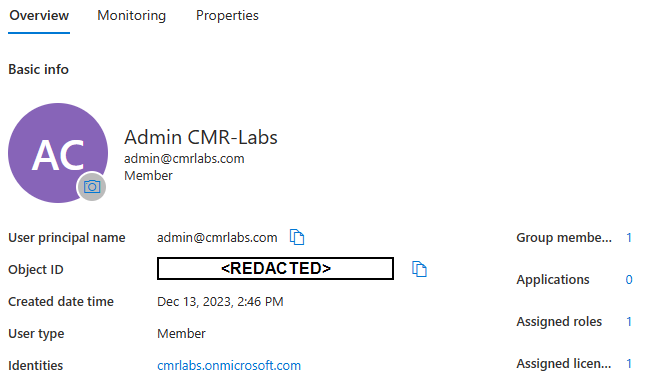
If the old info is still present, click the  button to update the screen.
Congratulations!
We’ve successfully finalized our account details!
Please make your way to the next section, where we’ll be creating the on-premise environment!