We’ll be using the AD DS MMC Profile for this section.
Enforcing a Fine-Grained Password Policy
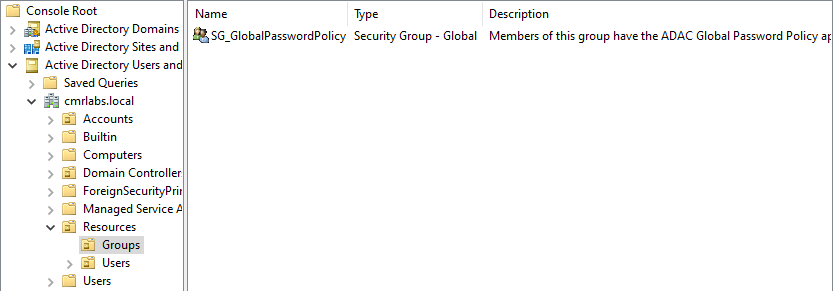
Open Active Directory Users and Groups and navigate through the Organizational Units.
mydomain.local > Resources > Groups.
Within the Groups OU, create a security group called SG_GlobalPasswordPolicy.
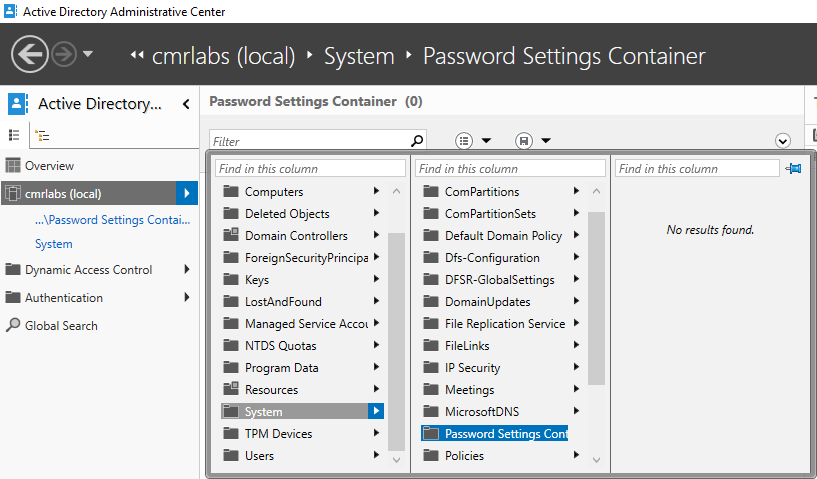
Open Active Directory Administrative Center
Navigate through the menus mydomain (local) > System and select Password Settings Container.
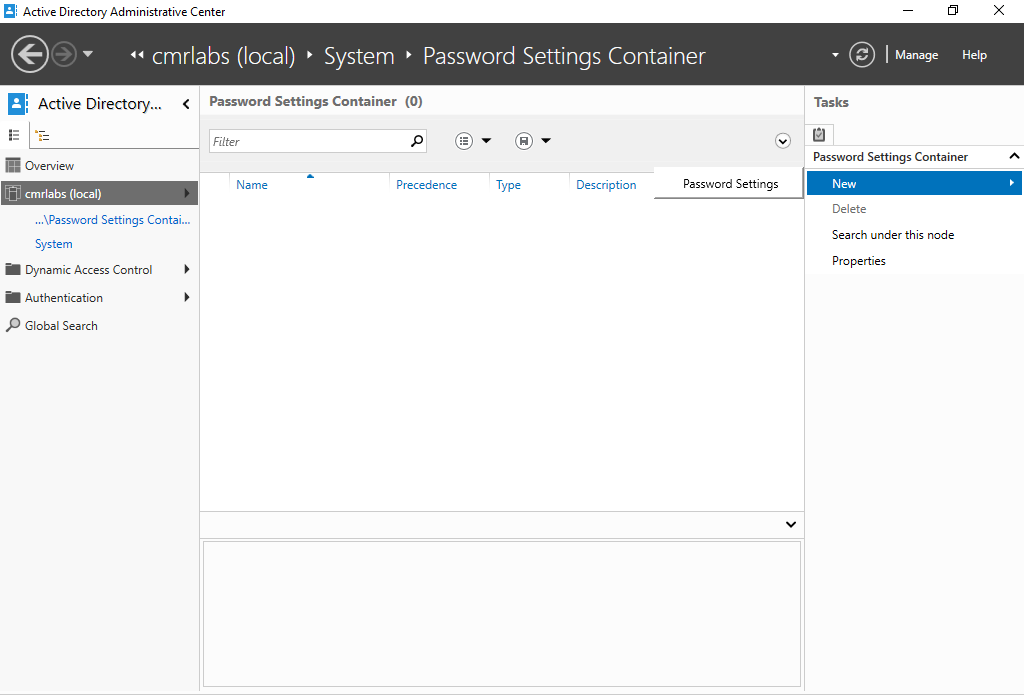
On the right-hand sidebar, select New > Password Settings.
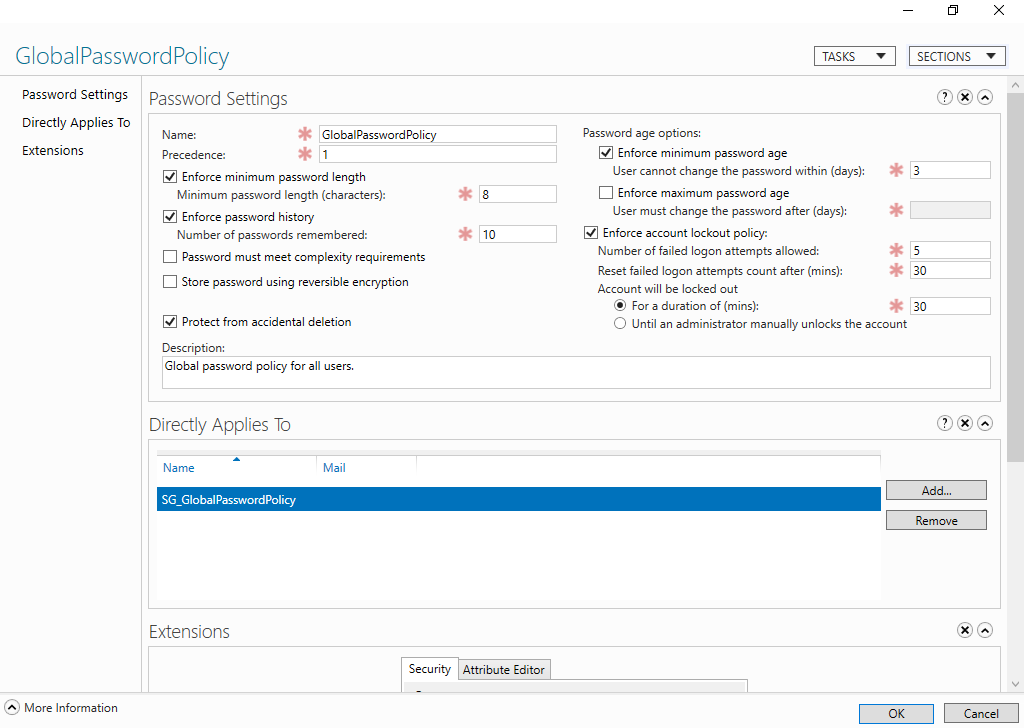
Configuring the Policy
Adjust the settings of the policy as below OR create your own password policy.
These settings follow the minimum and recommended password guidelines as defined by Microsoft’s Password Policy and NIST SP800-63-3 (subsection SP800-63B).
Password Policy Enforced!
We’ve successfully created a Fine-Grained Password Policy!
Please make your way to the next section, where we’ll be associating our Password Policy with a Shadow Group!